Add Microsoft Authenticator to an existing account
Step 1
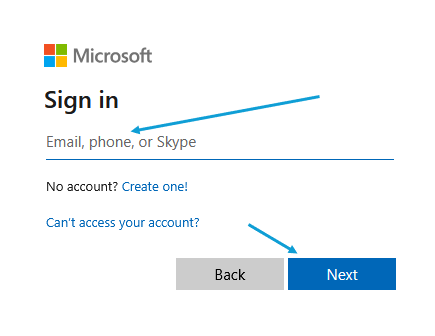
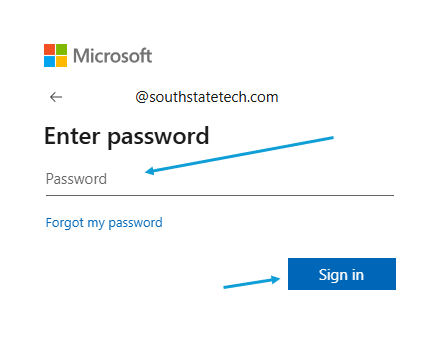
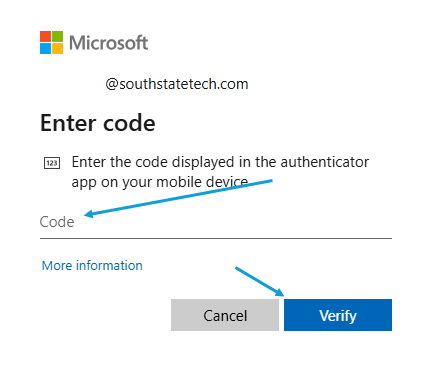
Head to https://mysignins.microsoft.com/security-info
Step 2
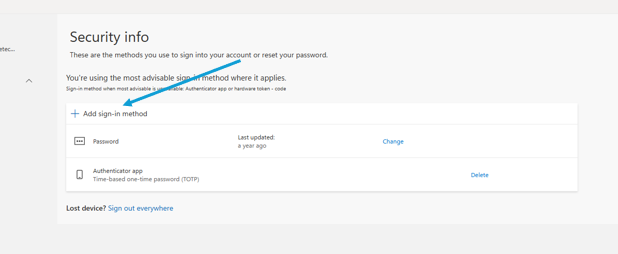
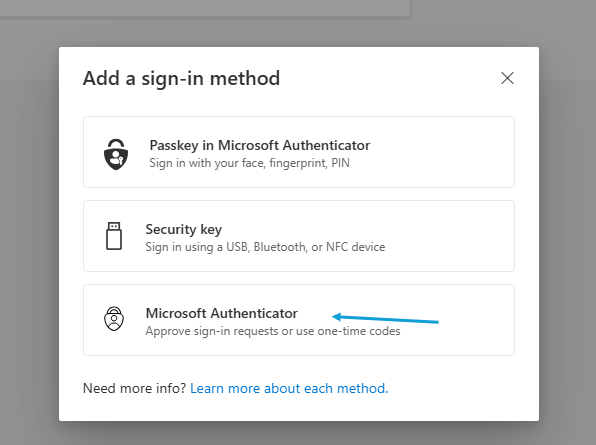
On the Security Info page, click 'Add sign-in method', and then 'Microsoft Authenticator'
Step 3
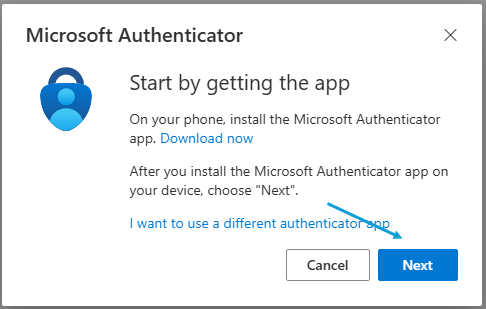
Download the Microsoft Authenticator
For iOS iPhone and Android:
https://kb.southstatetech.com/books/microsoft-authenticator
Step 4
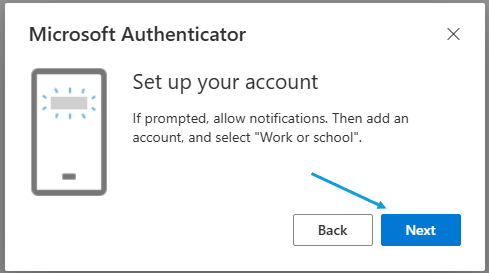
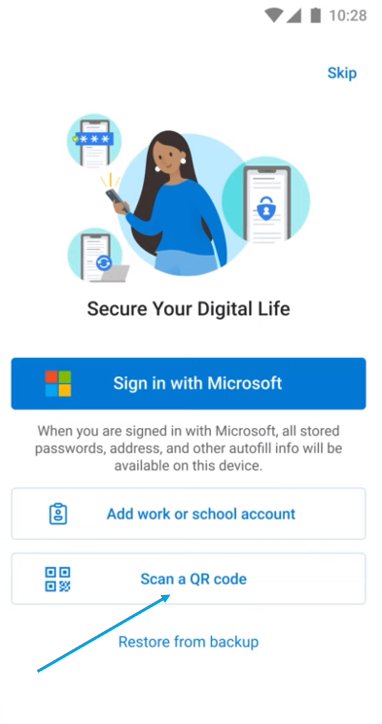
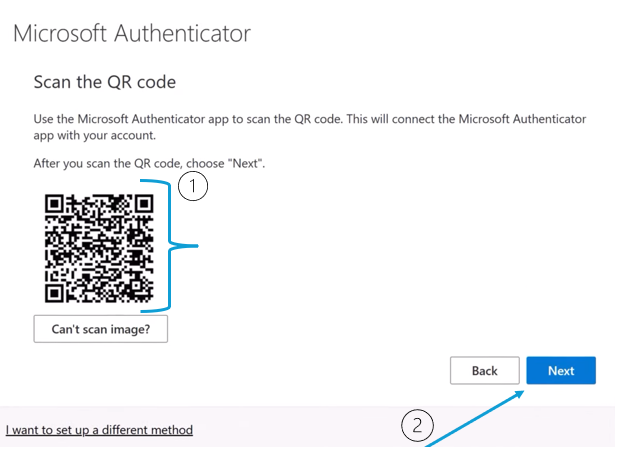
Scan the QR code with the Microsoft Authenticator
On the Authenticator App:
Step 5
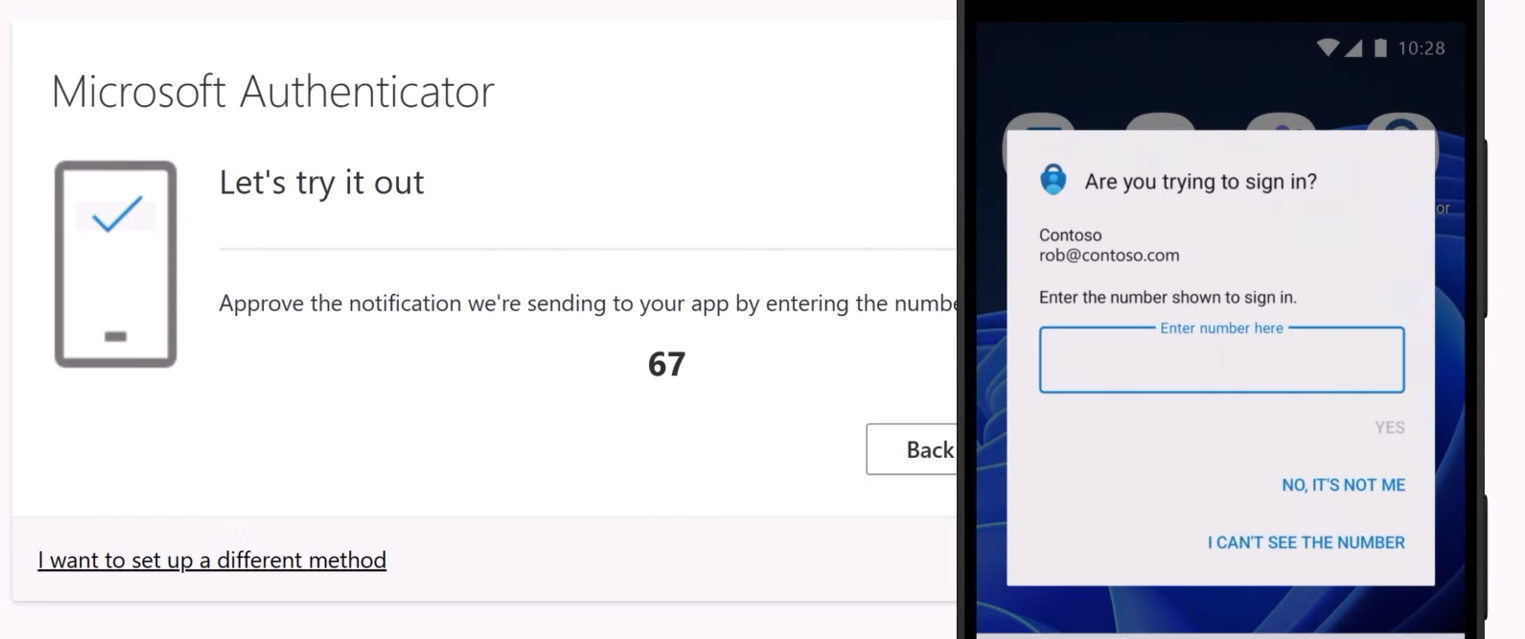
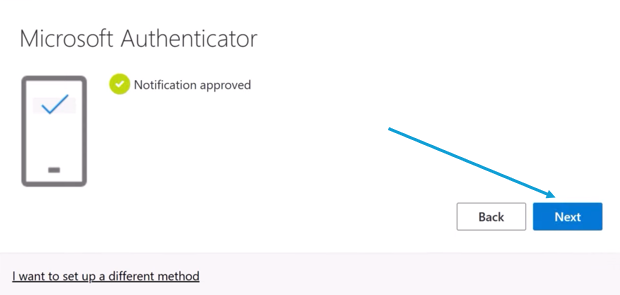
Use the Authenticator app to verify your account