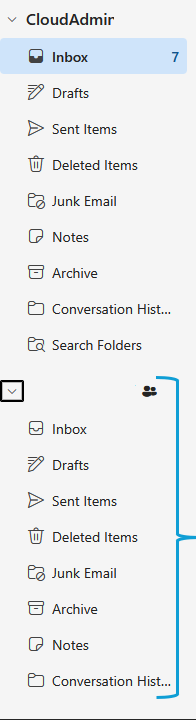
Adding a shared mailbox in OWA
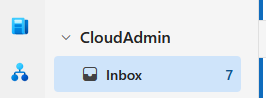
On the left side of your mailbox,right click your email:
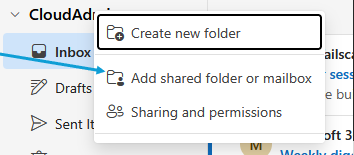
Click on 'Add a shared folder or mailbox'
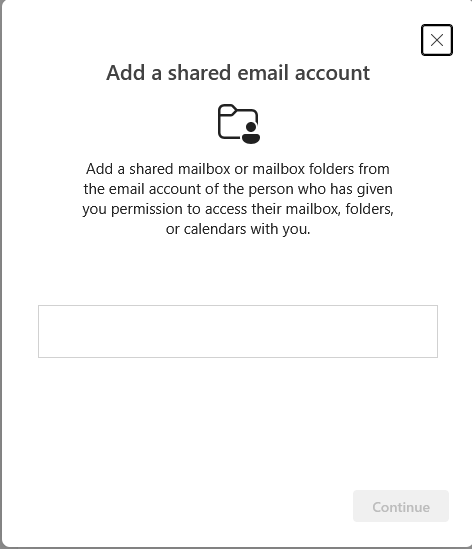
Type the email you're looking to add into the pop-up
Once added, click close
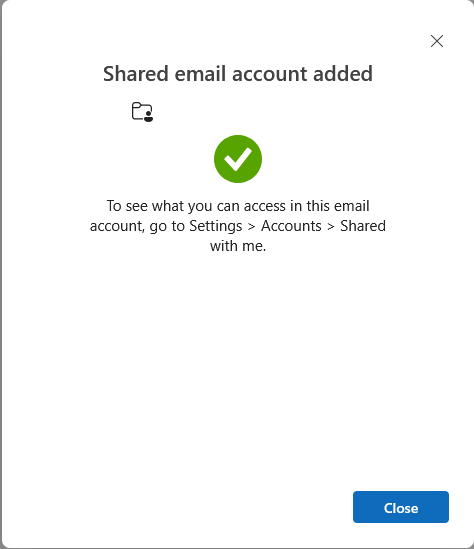
The mailbox will now be on the left hand side of your mailbox