Adding a Website to launch as Internet Explorer mode
Step 1
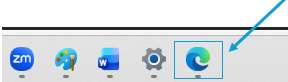
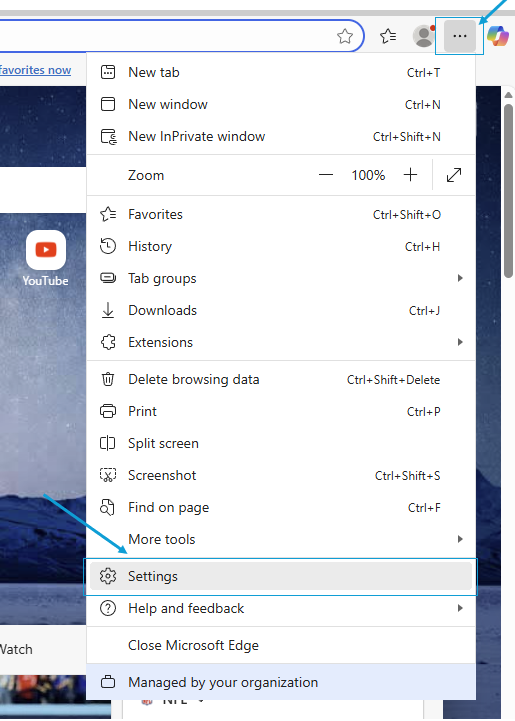
Launch Microsoft Edge and head to the settings
Step 2
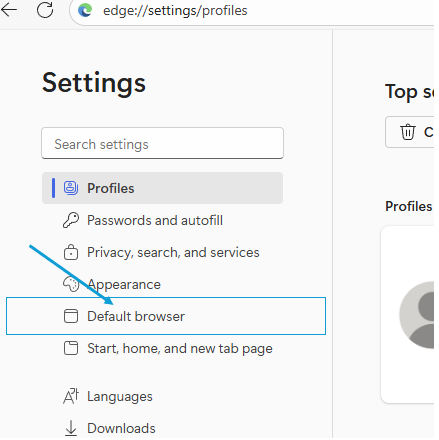
Go to 'Default Browser'
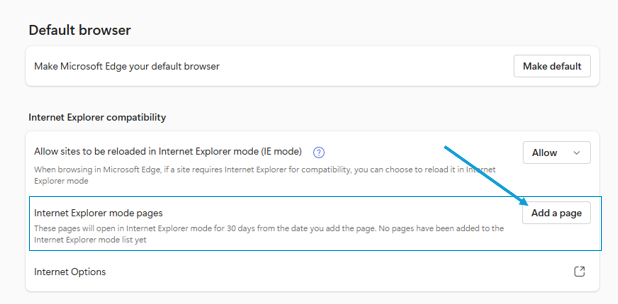
Under 'Internet Explorer Mode Pages', click 'Add Page'
Step 3
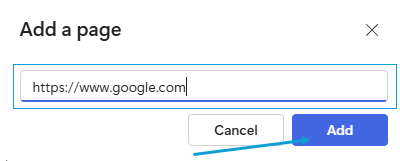
Add the URL, and click 'Add'
*Restart Edge- the specified website will not launch in Internet Explorer mode