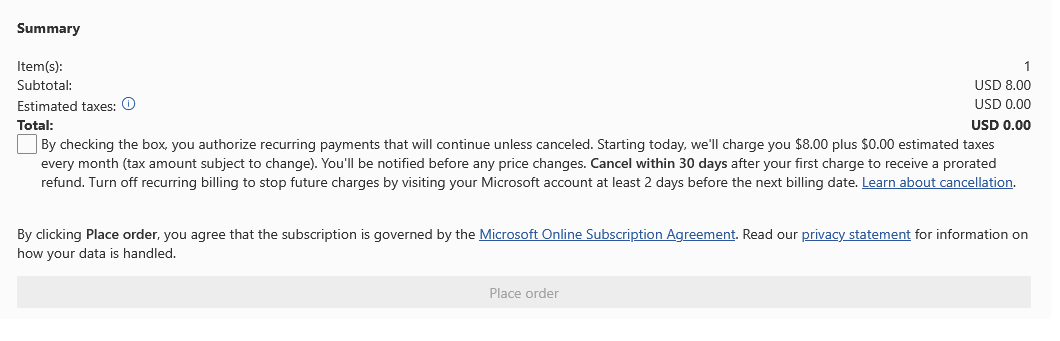
License Purchasing
Head to the Admin Portal of your tenancy(admin.microsoft.com):

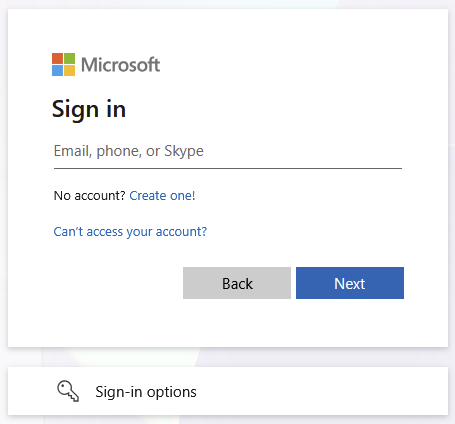
Sign in with your Admin credentials:
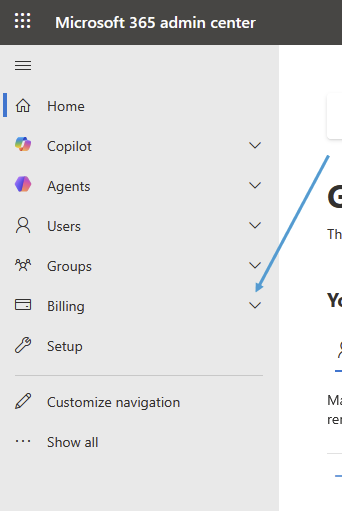
Expand Billing on the left side:
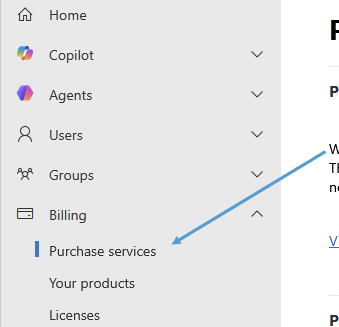
Click on Purchase Services:
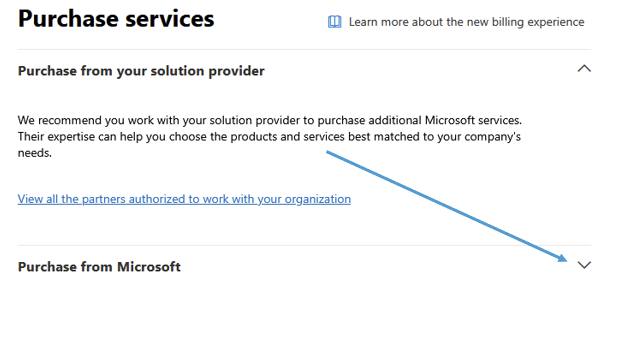
Expand Purchase from Microsoft
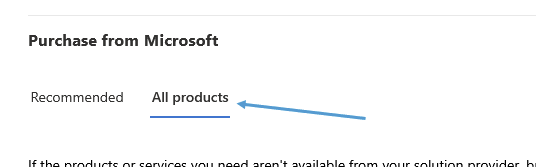
Go to the All Products tab:
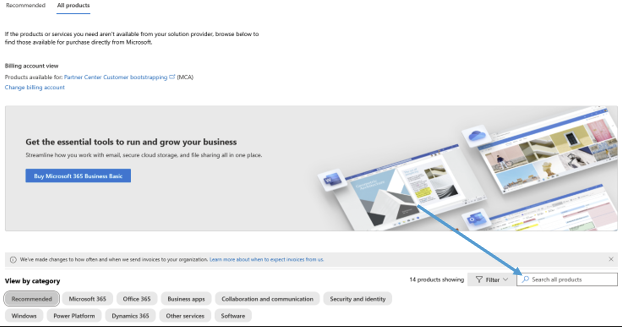
Search for the product you are trying to buy:
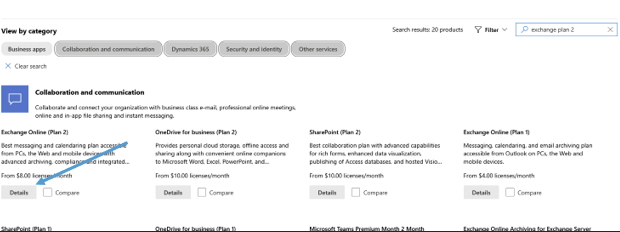
Choose the correct product and click on details:
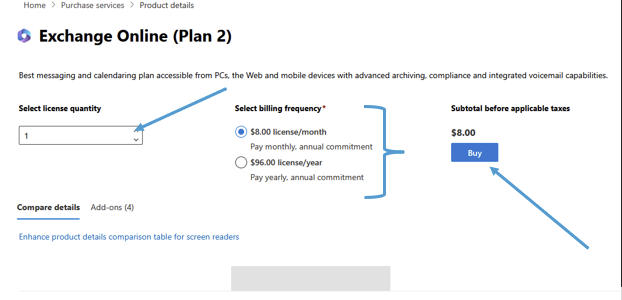
Select the amount of licenses and the billing cycle, then click Buy:
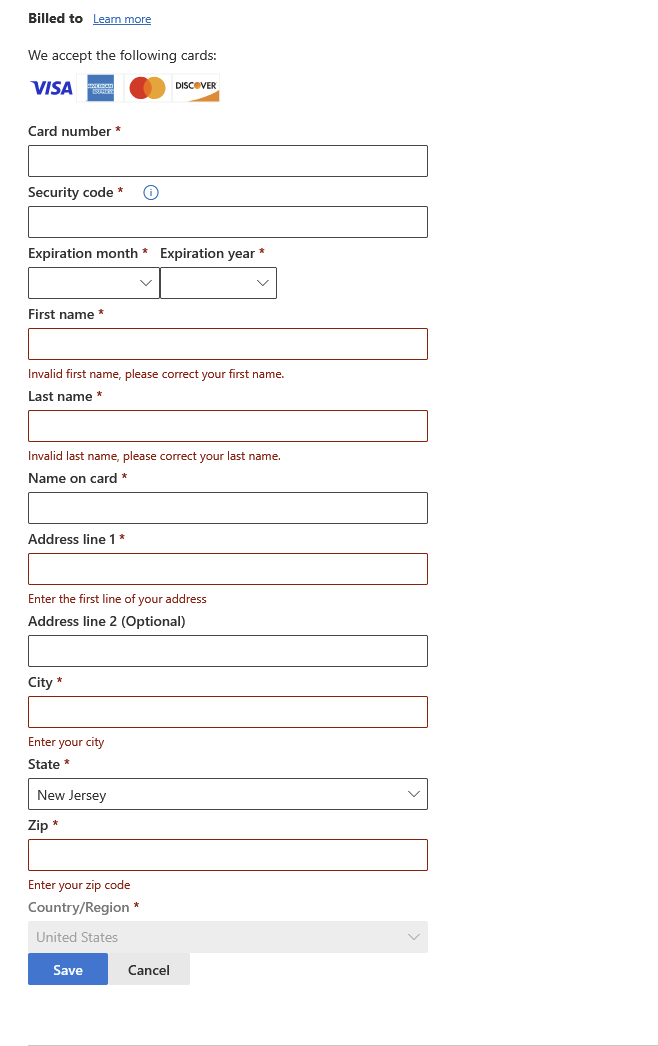
Fill out you credit card information:
Click Place Order at the top right once complete: