Installing Bitwarden
On your browser of choice, install the Bitwarden extention:
Mozilla:
On the top right, click your 'Extentions' puzzle piece

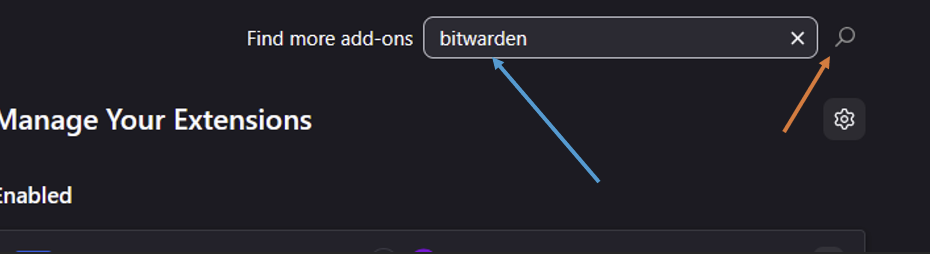
Search on the new page for Bitwarden and click the magnifier glass
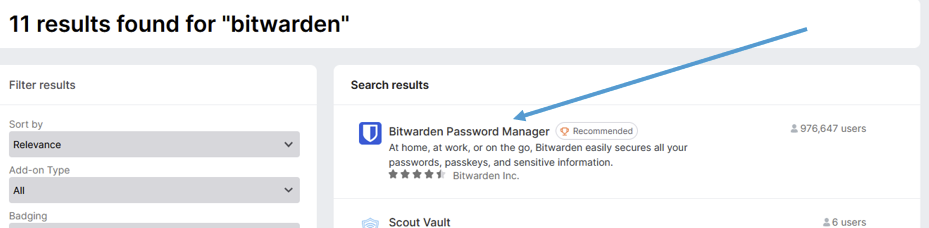
Click on the Bitwarden page
Click on 'Add to Firefox'

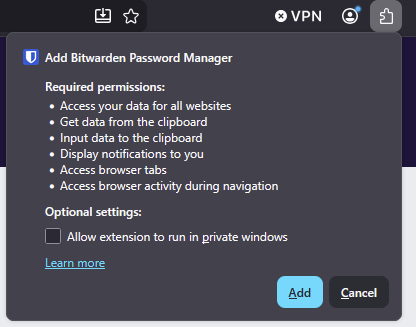
Click 'Add' on the popup
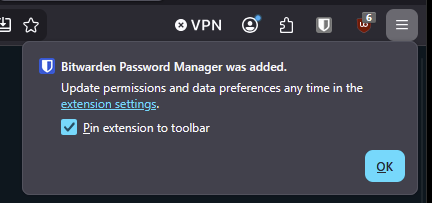
Click 'OK' to have it pinned on your browsers bar
Chrome:
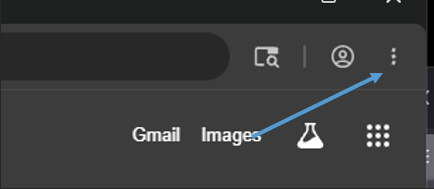
On the top right, click on the vertical 3 dots
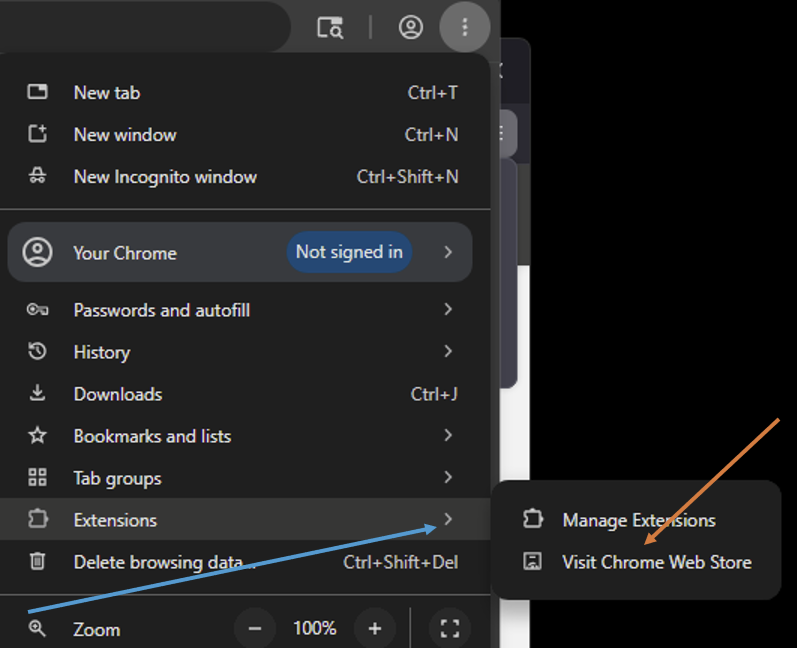
Hover Extensions and click 'Visit Chrome Web Store'
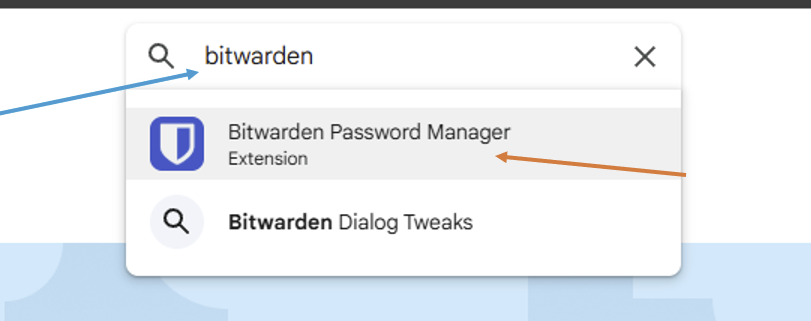
Search for Bitwarden and click on the top result
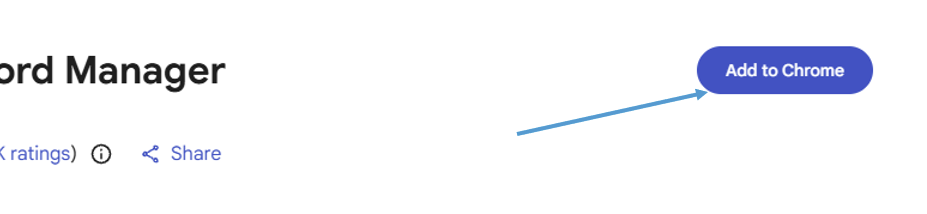
Click on 'Add to Chrome'
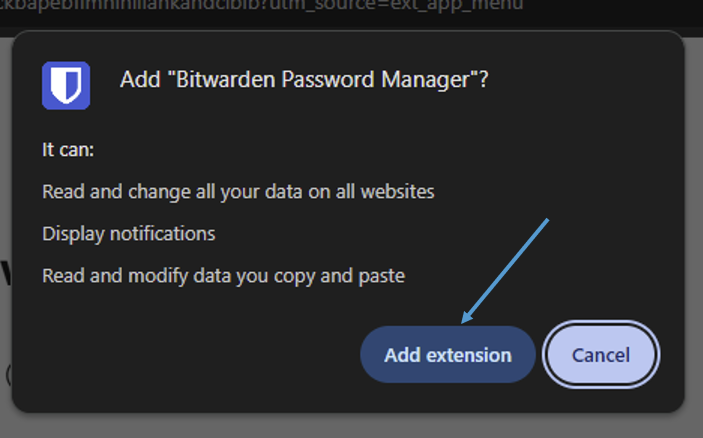
Click 'Add extension'
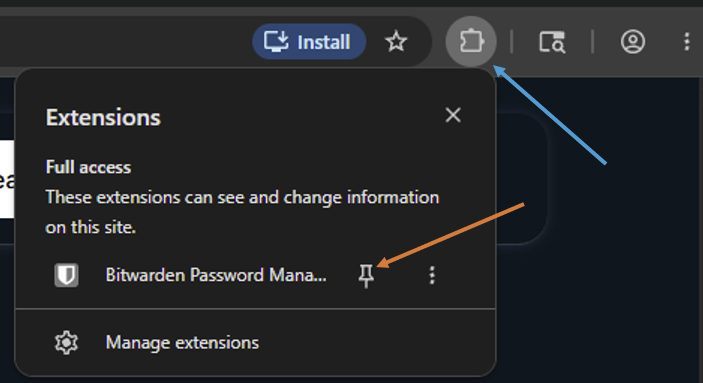
Click on the Extensions puzzle piece on the top right and then pin the extension to the bar