Microsoft Authenticator
Add the Microsoft Authenticator to your Microsoft 365 account
Step 1
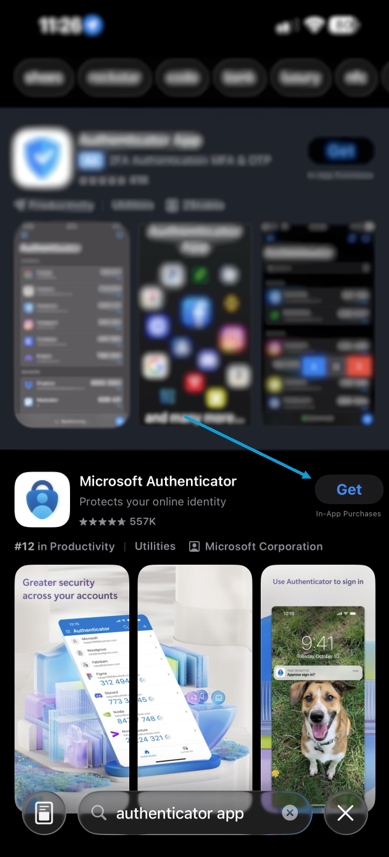
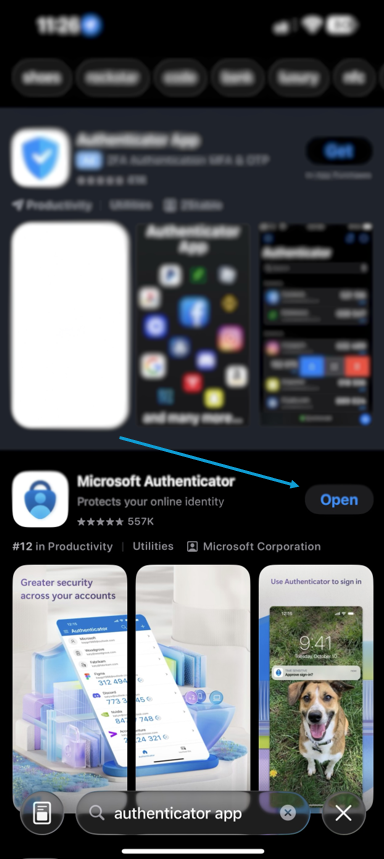
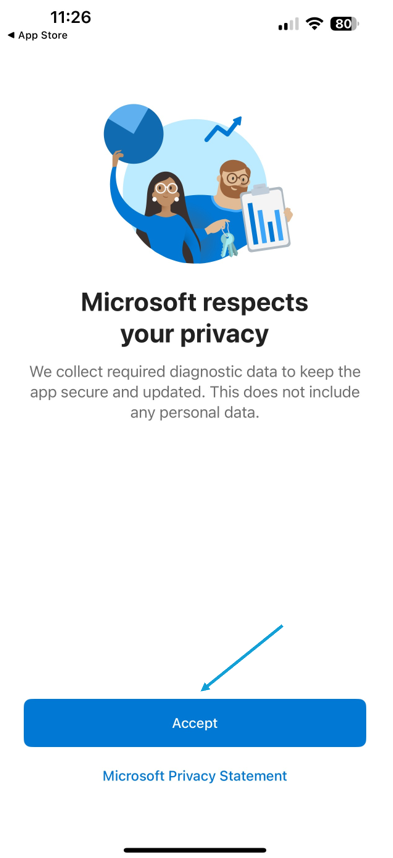
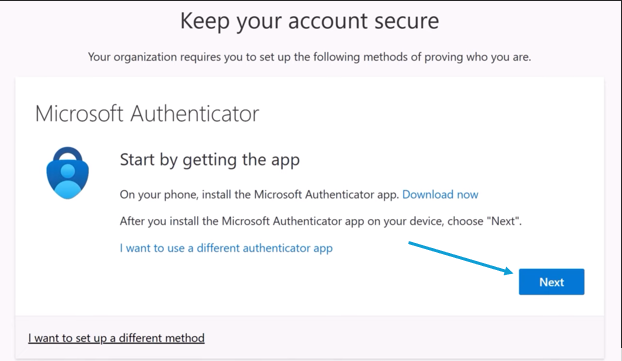
Download the Microsoft Authenticator from your mobile device (Google Play Store or iPhone App Store)

Step 2
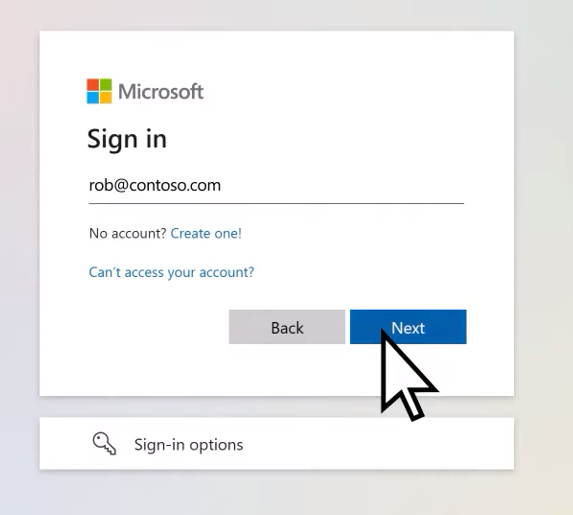
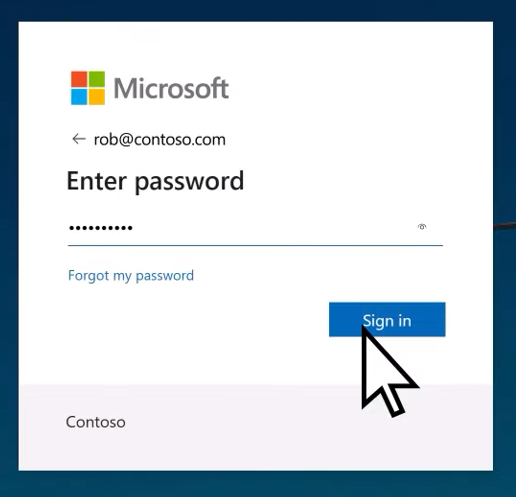
Sign into your Microsoft 365 account
Step 3
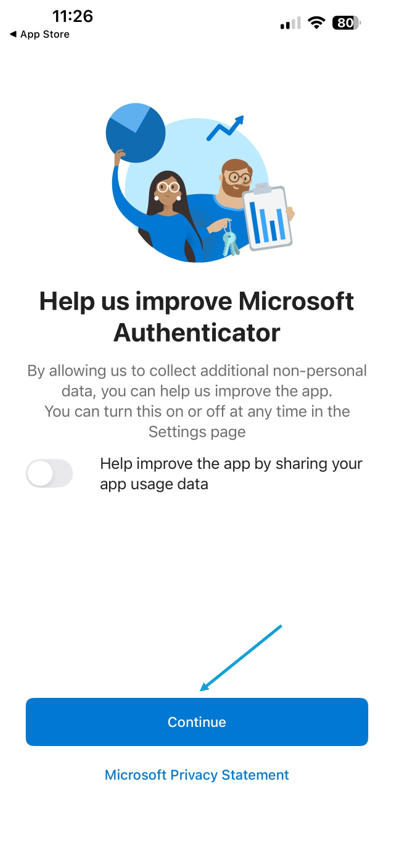
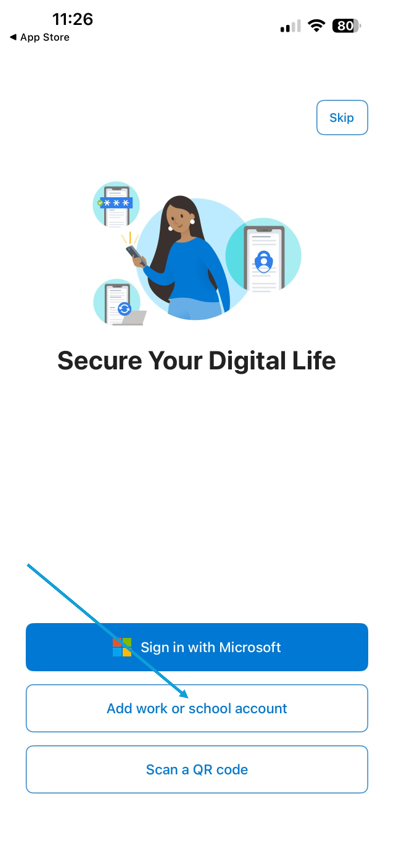
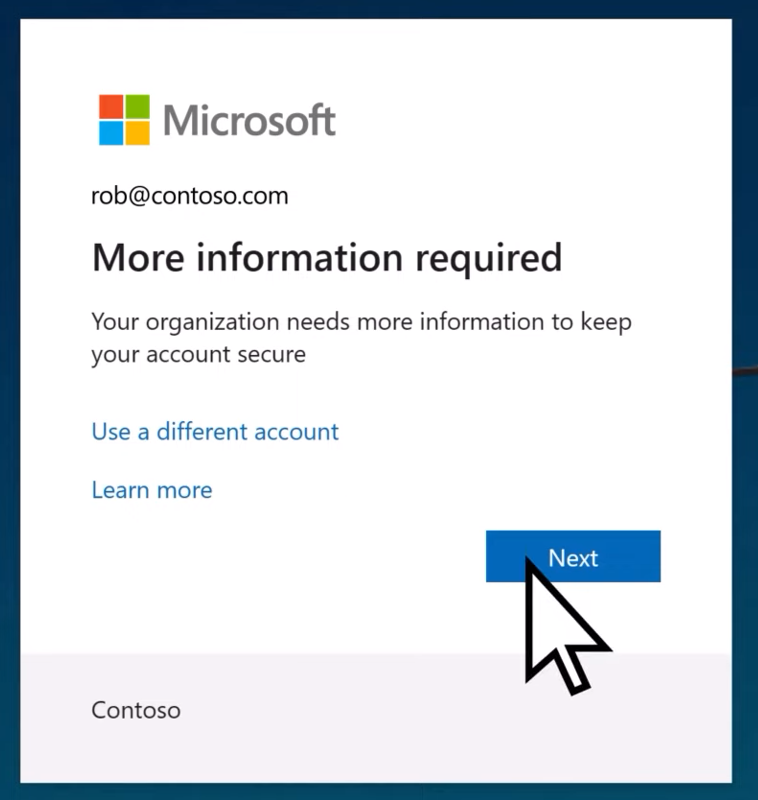
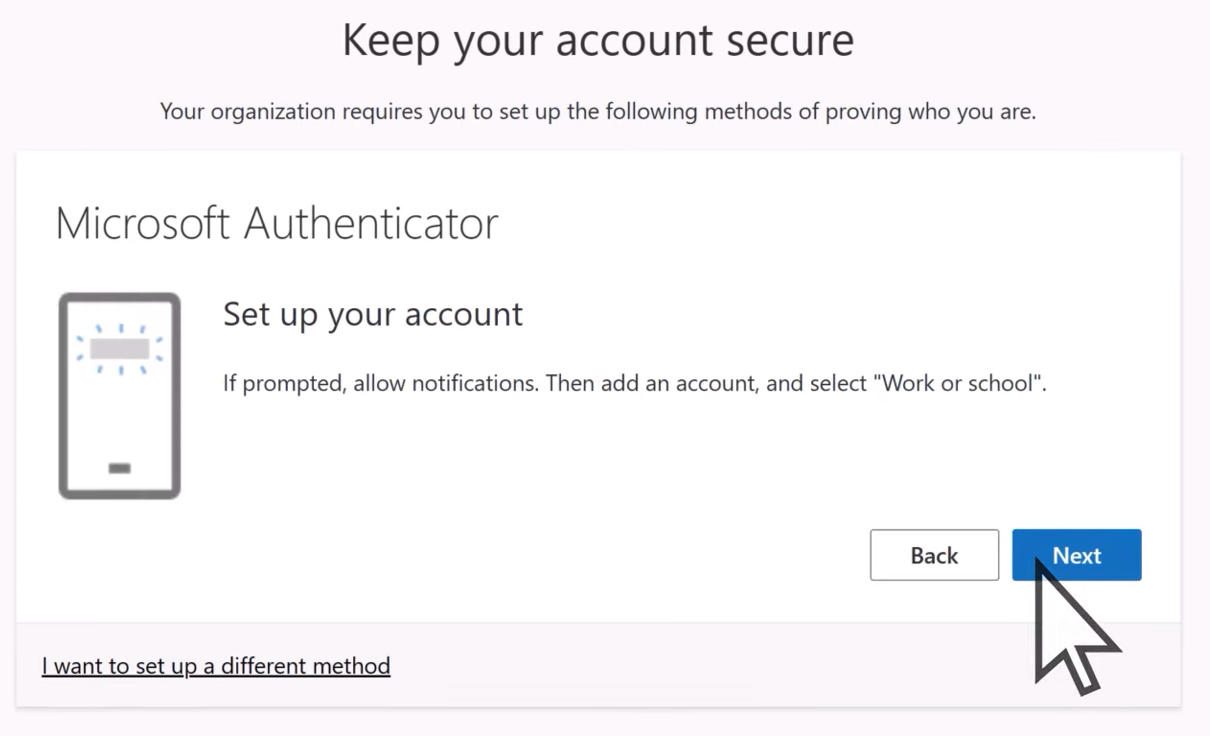
Add your Microsoft account to your Authenticator by following the steps on your screen
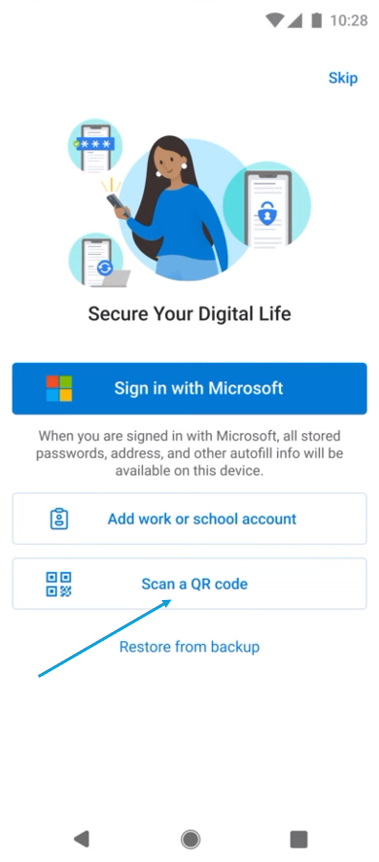
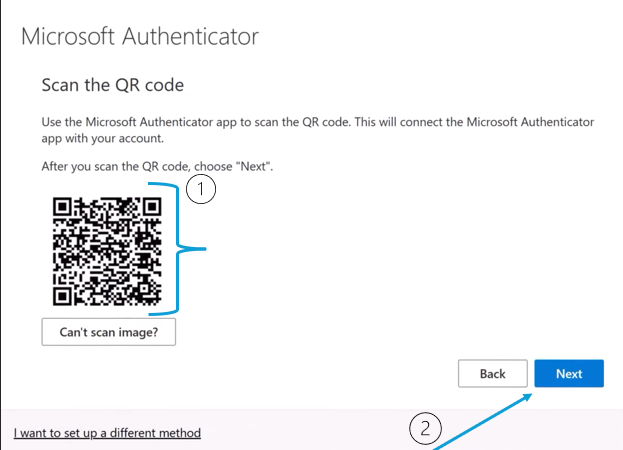
Step 4
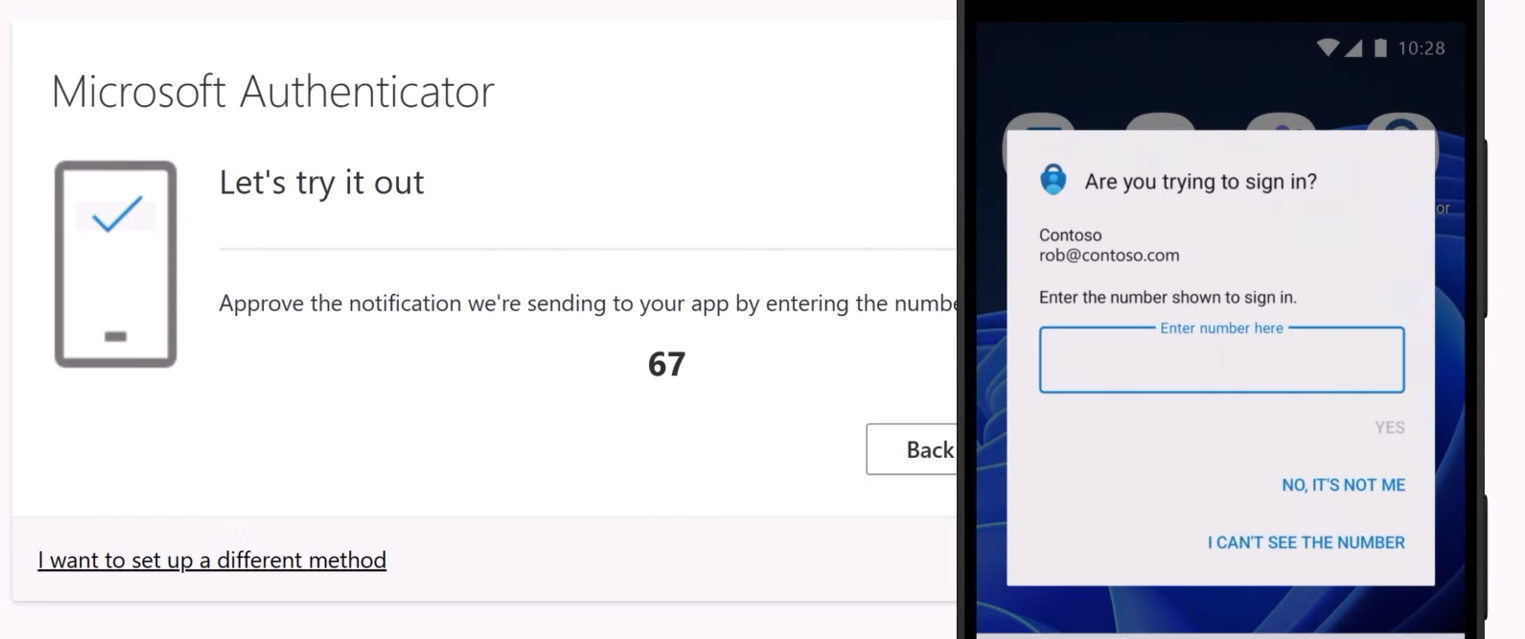
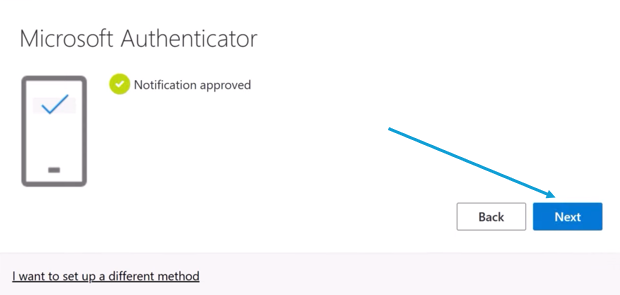
Use the Authenticator app to verify your account