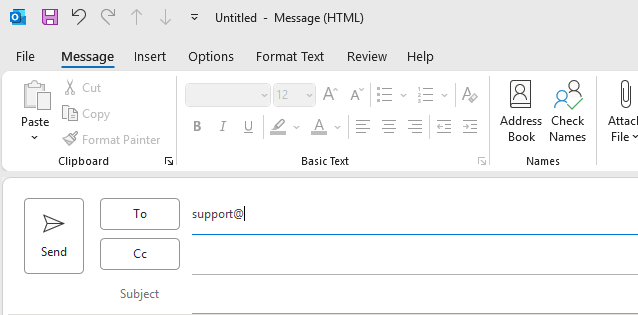
Remove Cached Auto Complete Contact
Remove Cached Auto Complete Contacts in Outlook Client
Step 1
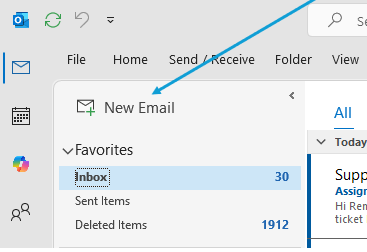
Begin a New Email
Step 2
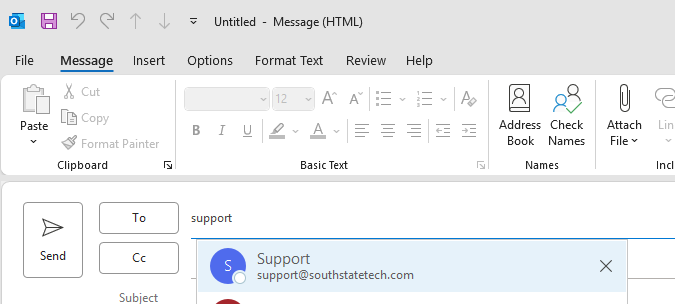
Begin by typing some of the contacts name or email address so it auto populates
Step 3
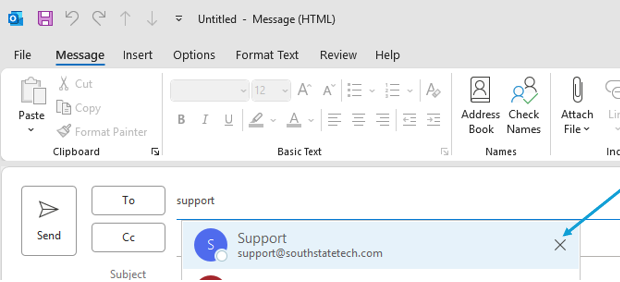
Click the 'X' on the populated contact you need to remove
Step 4
The cached contact is now removed. You can continue to type the rest of the email. The quick cache will update and auto-populate the newly typed email address after a new email is successfully sent.