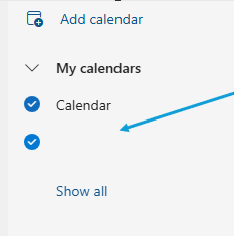
Add a Shared Calendar
-
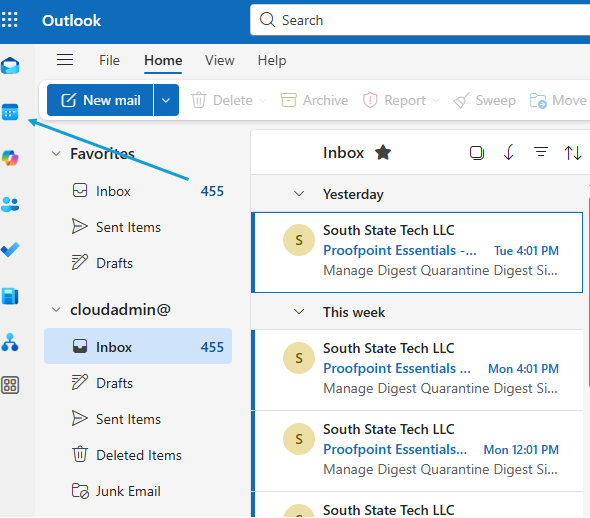
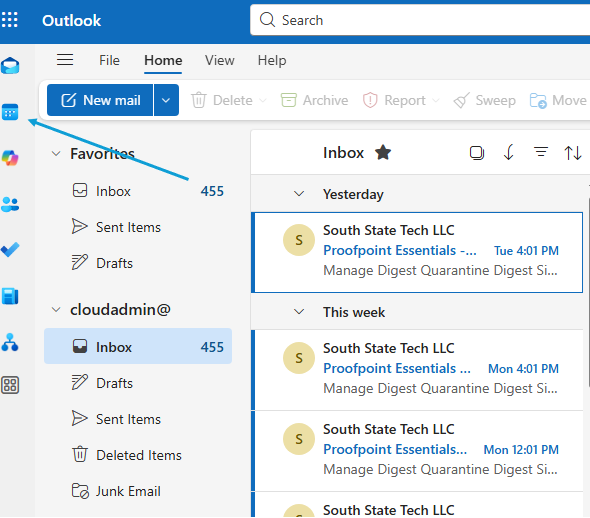
When logged into your E-Mail, go to your calendars
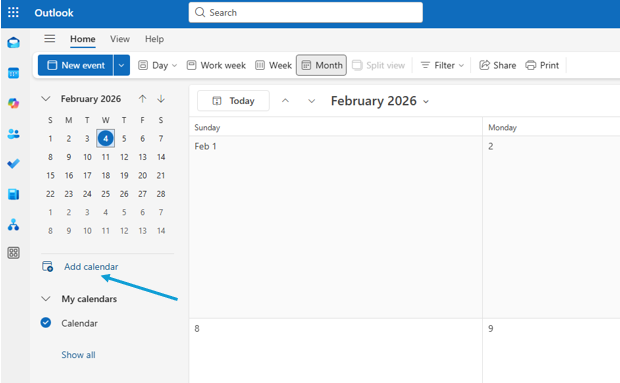
2. Click on 'Add calendar'
3. Choose 'Add from directory'
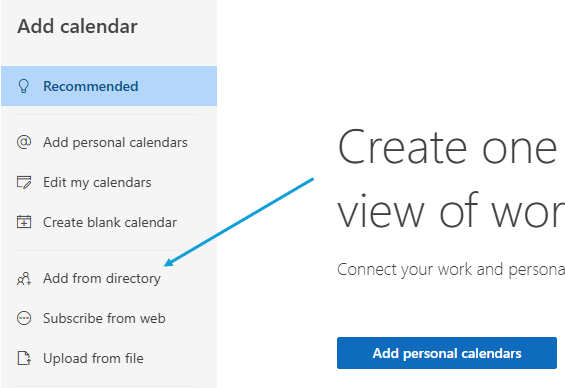
4. Select your E-Mail from the drop down
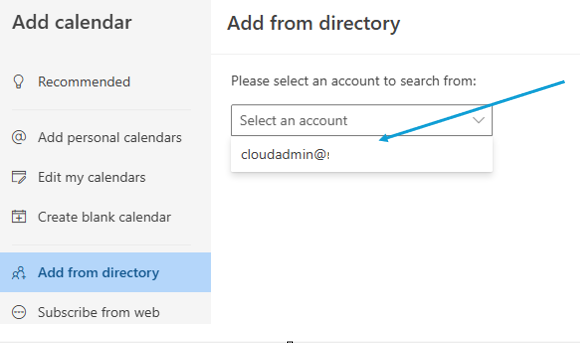
5. Enter the name of the calendar you are attempting to add
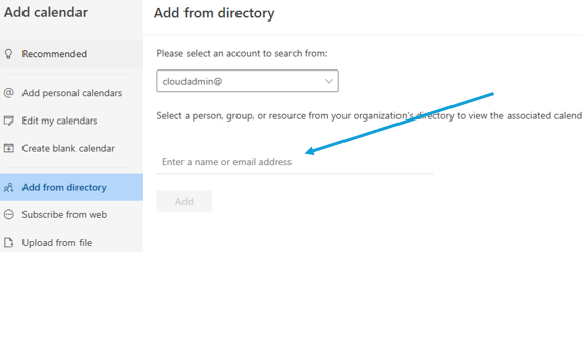
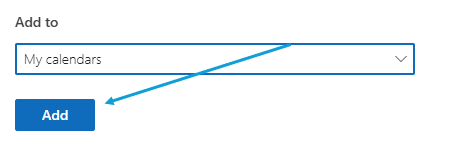
6. Choose where to add this calendar
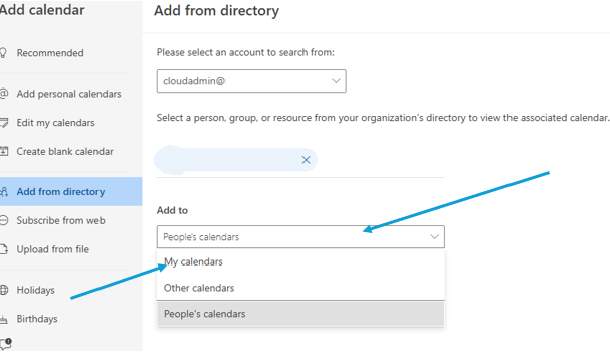
7. Click 'Add'
8. The calendar will now populate on your list of calendars