Skip to main content
South State Tech - Knowledge Base
View All
Search
Shelves
Books
Log in
Info
Content
Books
Add Microsoft Authenti...
Step 2
Step 2
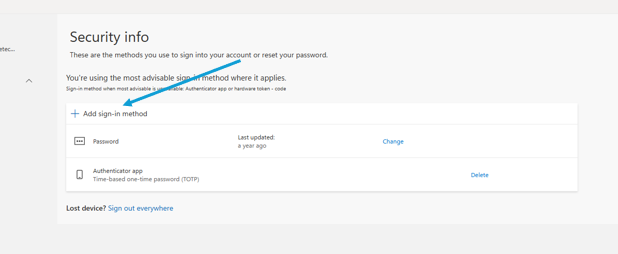
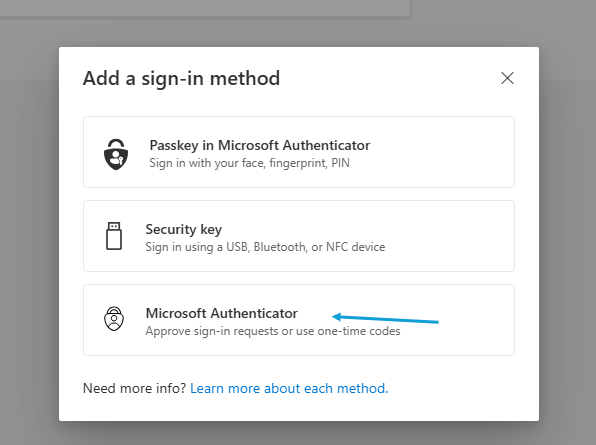
On the Security Info page, click 'Add sign-in method', and then 'Microsoft Authenticator'
Enter section select mode
Previous
Step 1
Next
Step 3
Back to top