Add Shared Mailbox to Outlook App on Phone
1. Download and install the Outlook App on your phone (Ref: iPhone, Android)
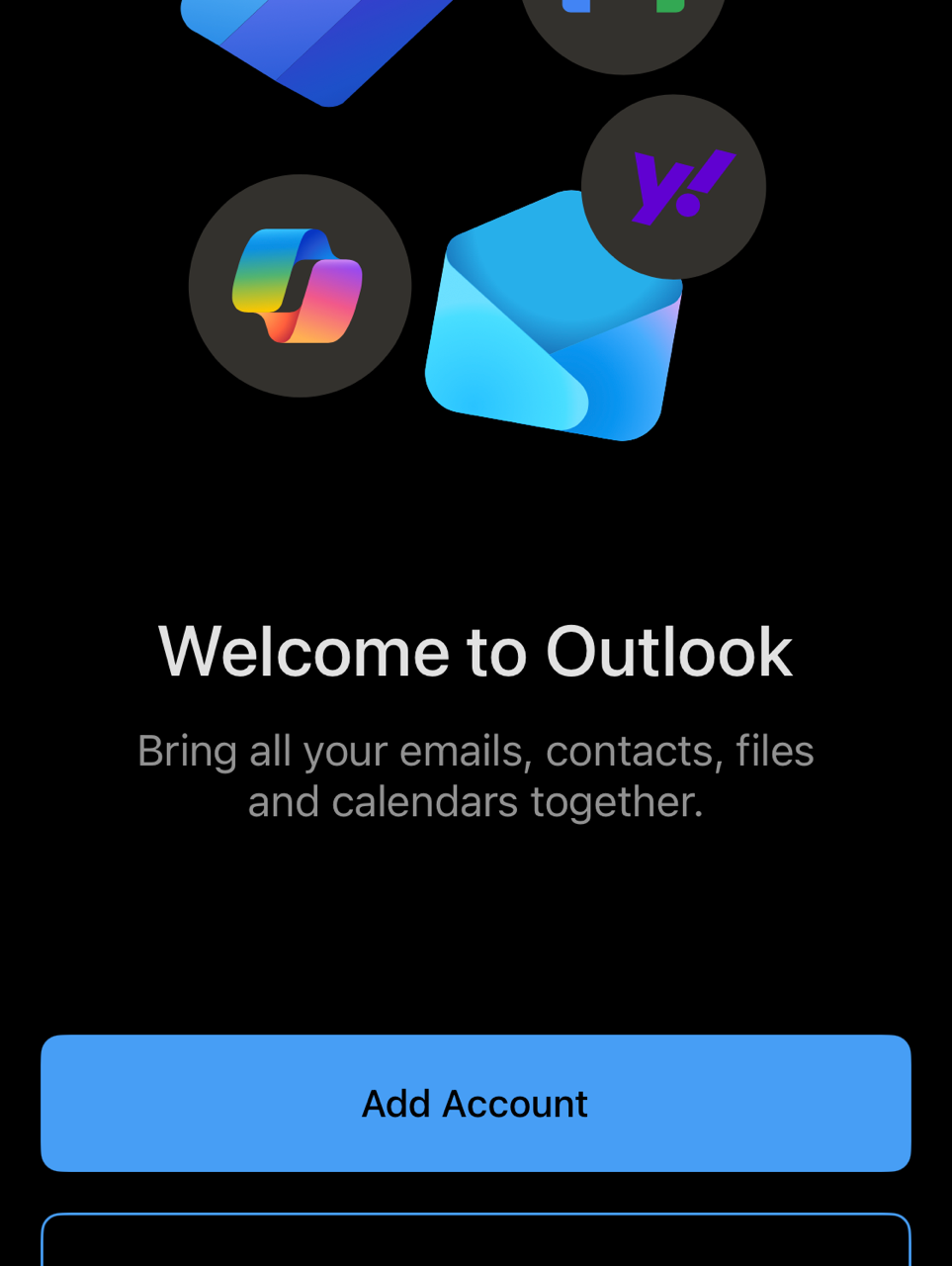
2. Log into your Outlook account
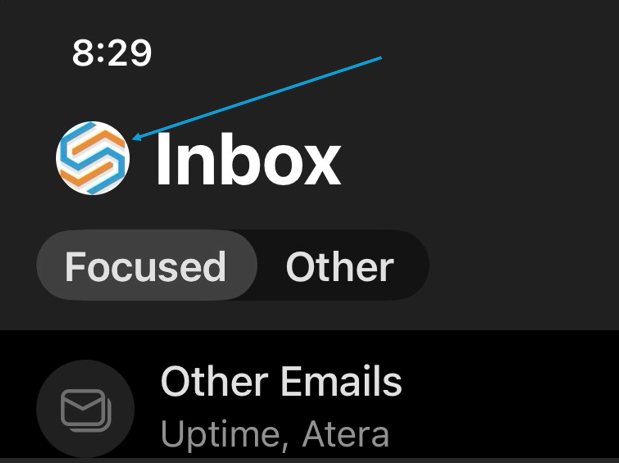
3. Click on your avatar at the top left
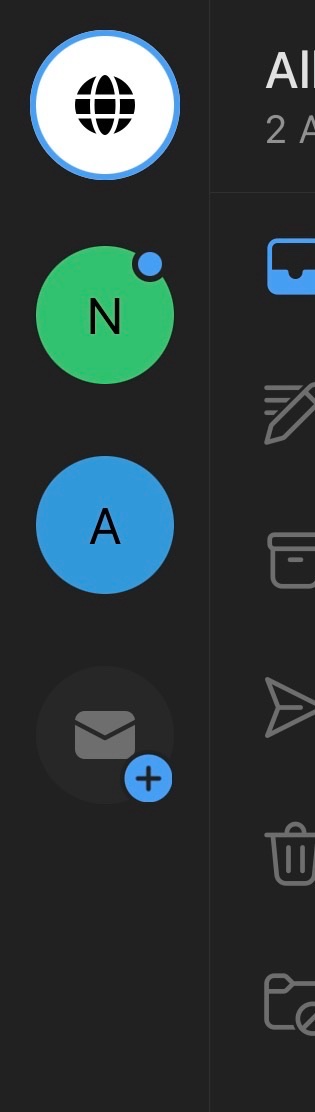
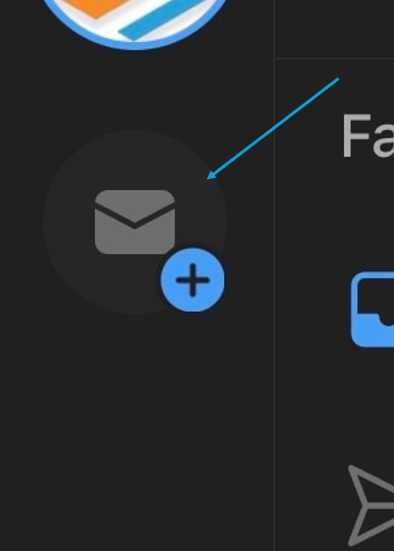
4. Click on the Envelope with the plus sign
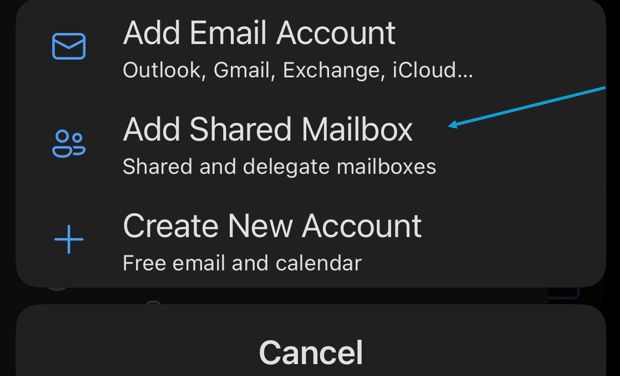
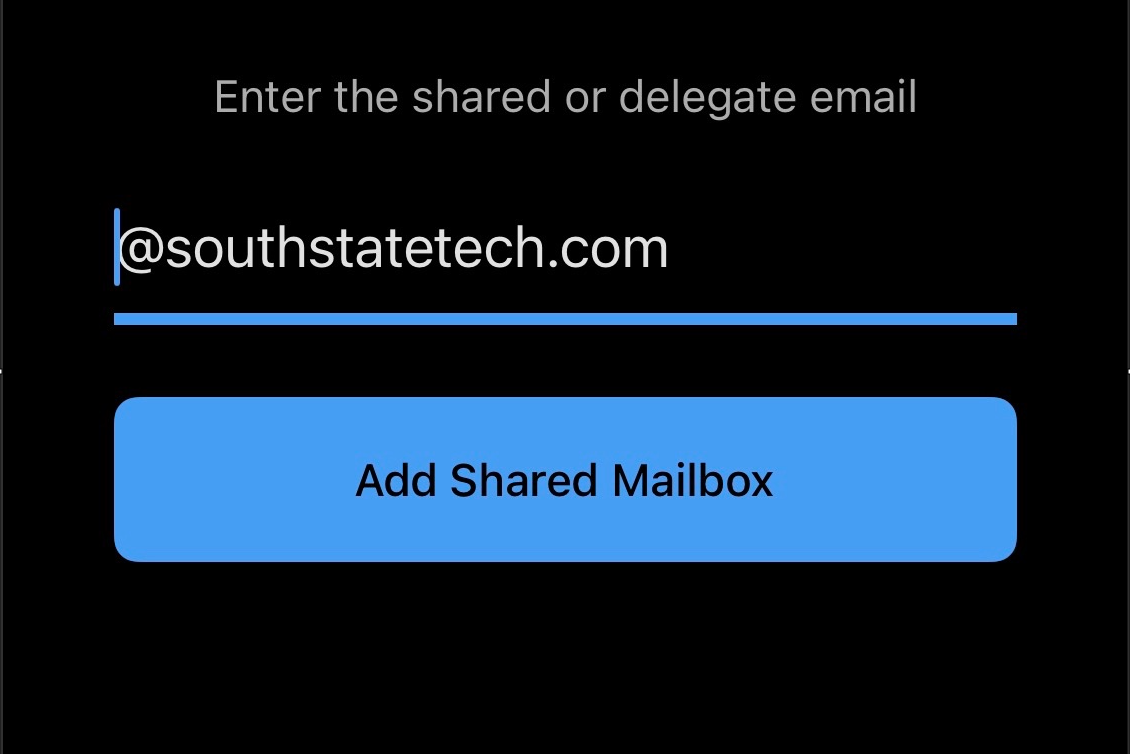
6. Type in the email of the shared mailbox (this will not require a login)
7. When you click your avatar you will now have 3 options for inboxes (Globe - combination of inboxes, your main, and shared)