Adding Passwords
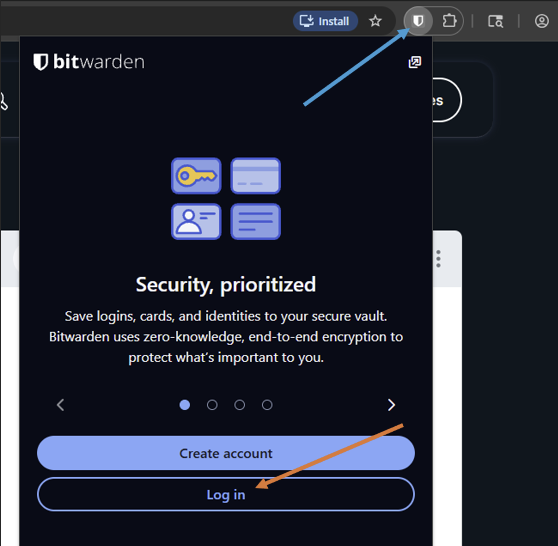
Log into the Bitwarden extension:
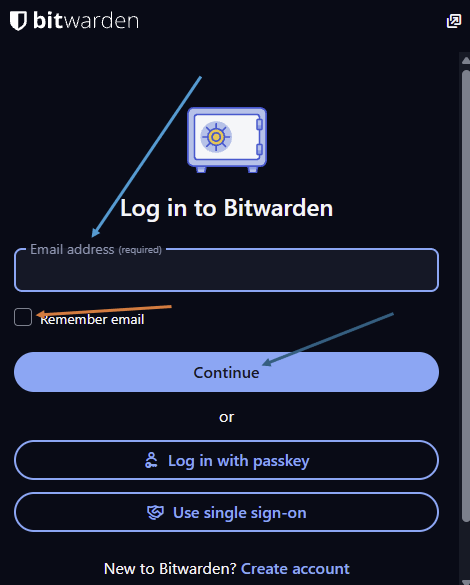
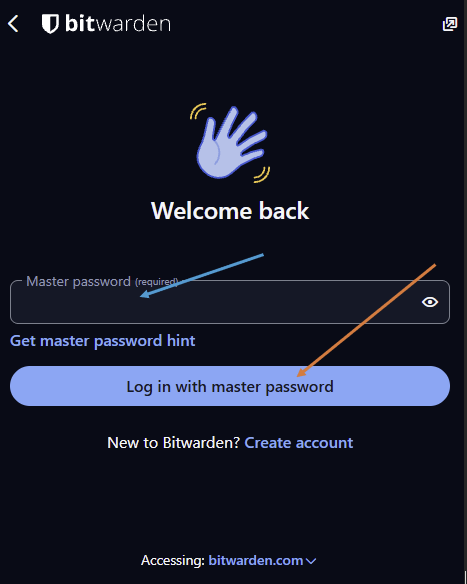
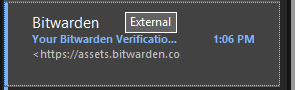
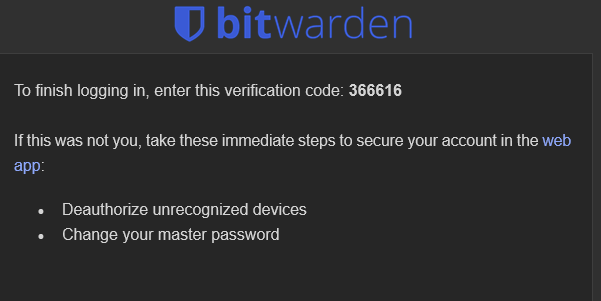
On 1st login it will send you a verification code to your email
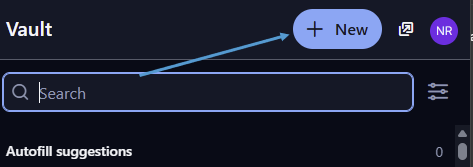
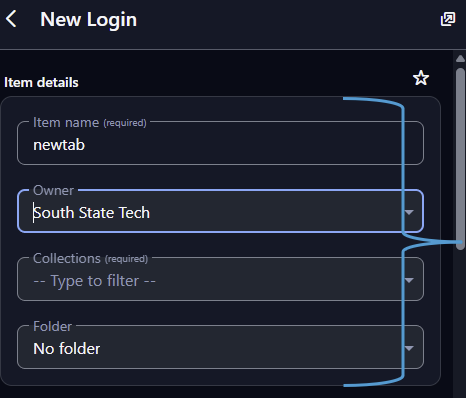
Start a new password entry by clicking on '+ New'
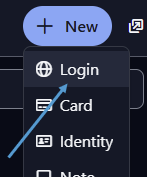
Fill out the necessary information (for personal items, keep owner as your email, for communal please change to the Company)
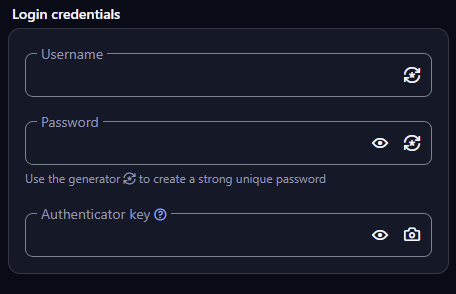
Fill out the login credentials
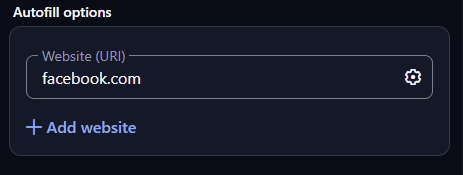
Insert the login link/url to the Autofill options
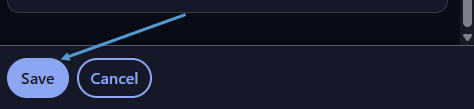
Click on Save and your password will be saved to your Vault