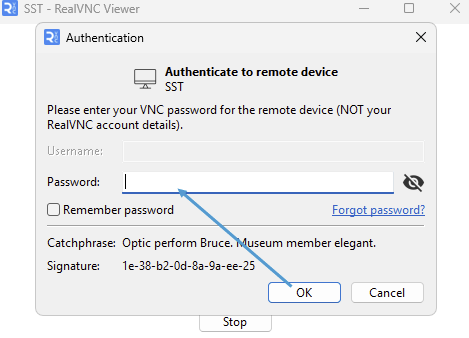
Logging into RealVNC
Download and install Real VNC Viewer:
https://downloads.realvnc.com/download/file/viewer.files/VNC-Viewer-7.15.1-Windows.exe

Launch RealVNC Viewer and log in with your given credentials:
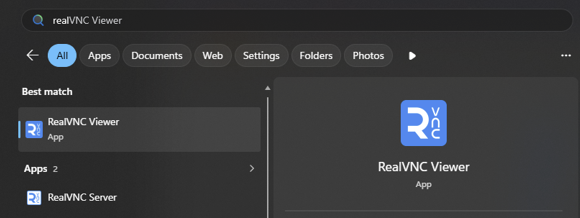
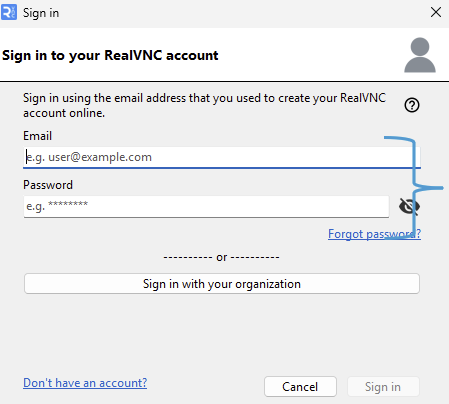
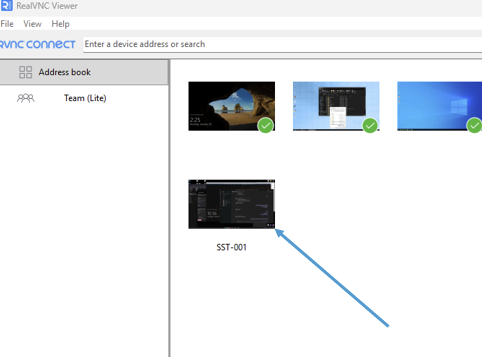
Once logged in, your available PC's will be shown in the window
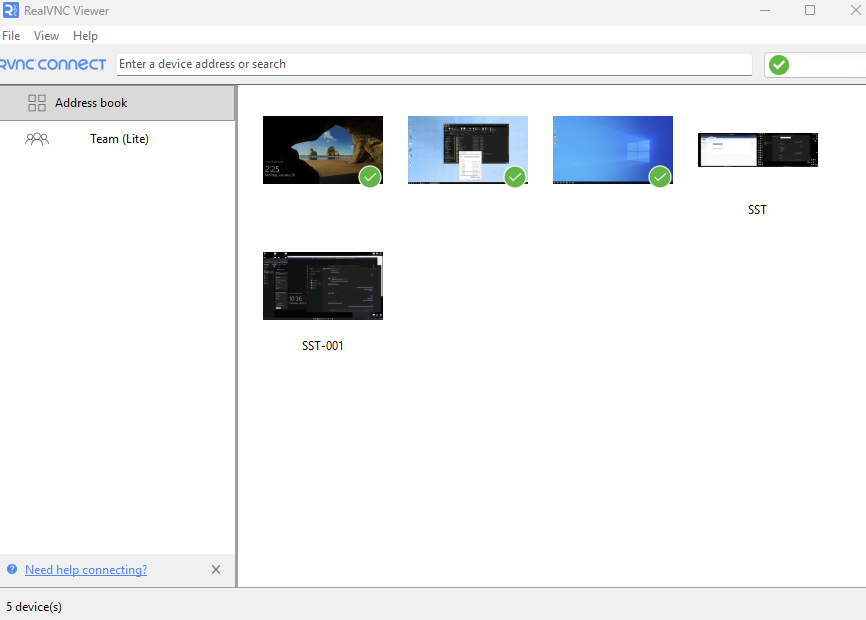
Double Click the device you wish to remote into
Input your MACHINE PASS and click on 'Remember password' if you'd like