Logging into RealVNC
Download and install Real VNC Viewer:
https://downloads.realvnc.com/download/file/viewer.files/VNC-Viewer-7.15.1-Windows.exe

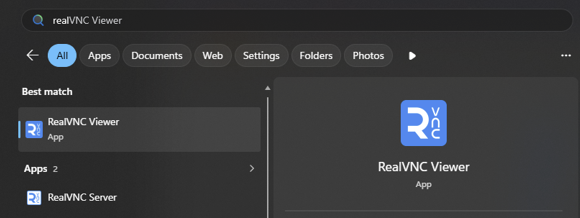
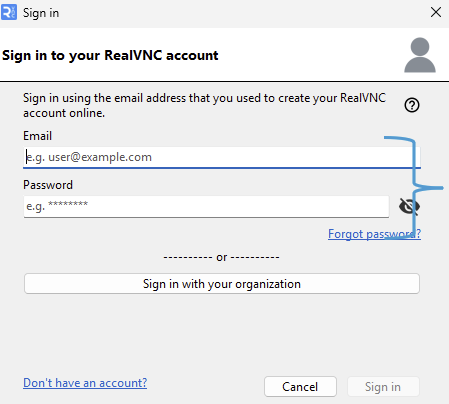
Launch RealVNC Viewer and log in with your given credentials:
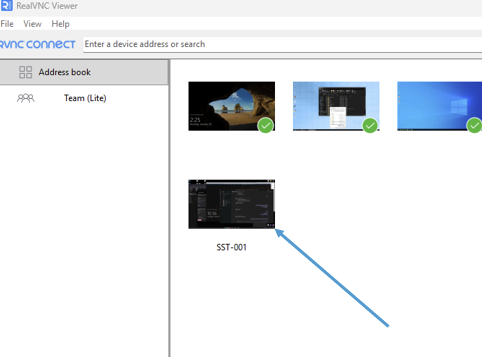
Once logged in, your available PC's will be shown in the windowwindow:
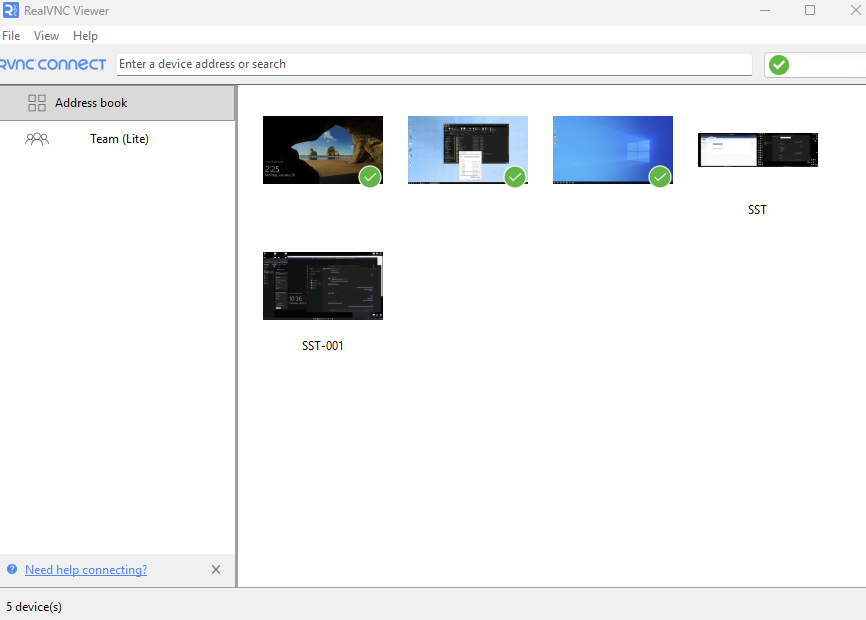
Double Click the device you wish to remote intointo:
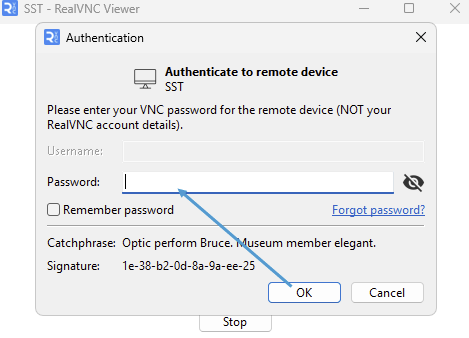
Input your MACHINE PASS and click on 'Remember password' if you'd likelike: