Skip to main content
South State Tech - Knowledge Base
View All
Search
Shelves
Books
Log in
Info
Content
Books
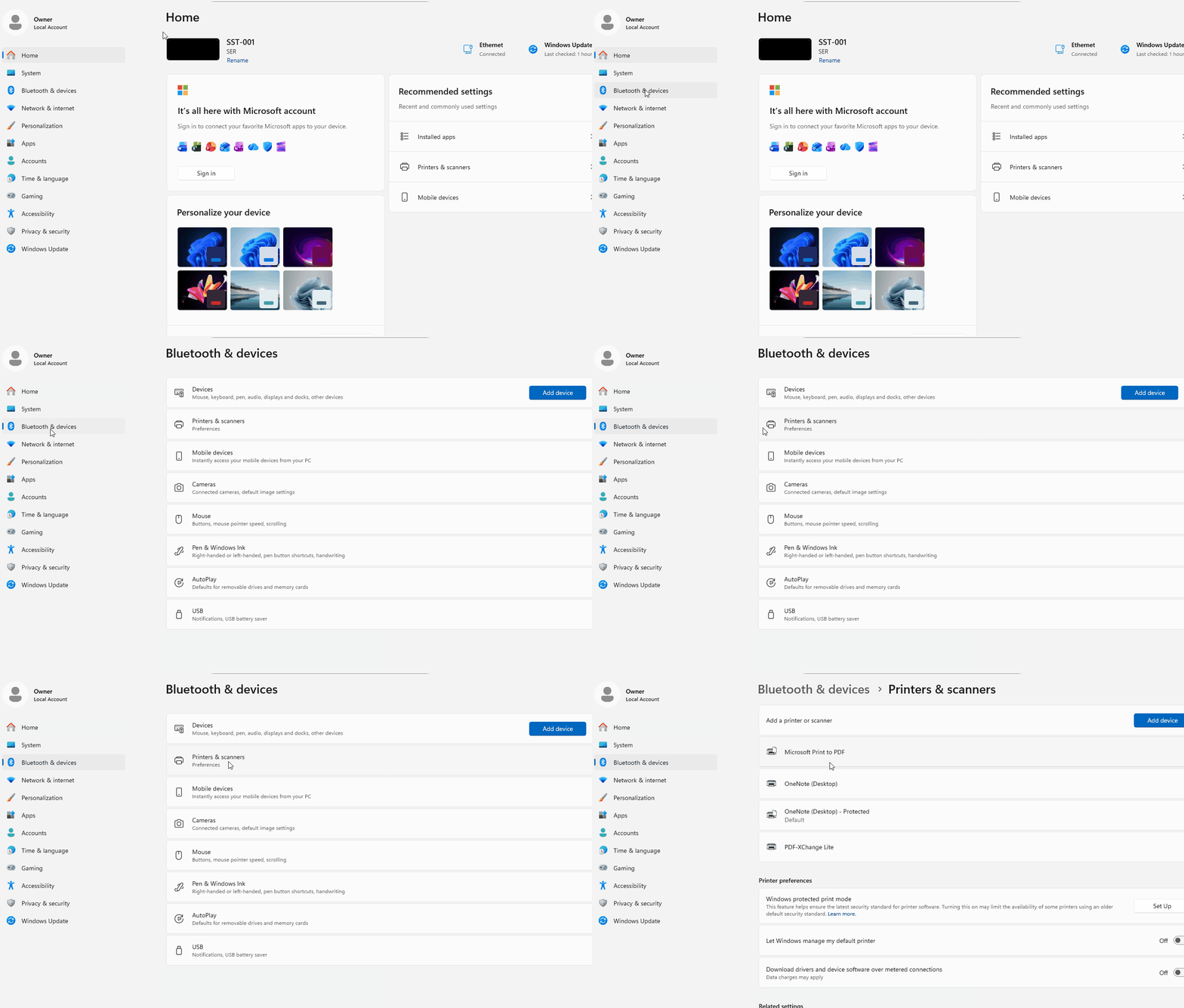
Set Default Printer
Step 2
Step 2
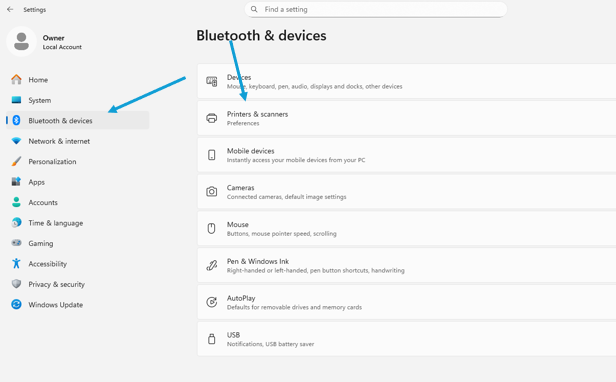
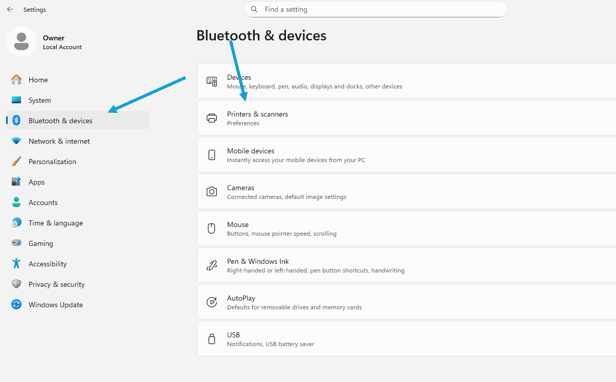
Navigate to your computer's printers settings
Enter section select mode
Previous
Step 1
Next
Step 3
Back to top