
Request a New User
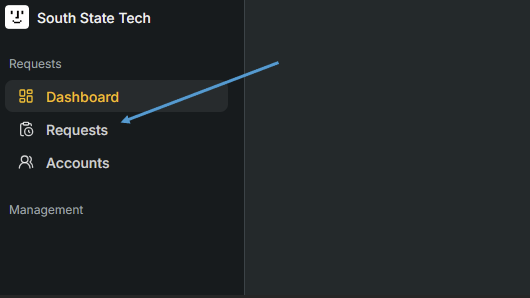
1. On the left side of the page, head to 'Requests'
2. Click on 'Create +' to start the request

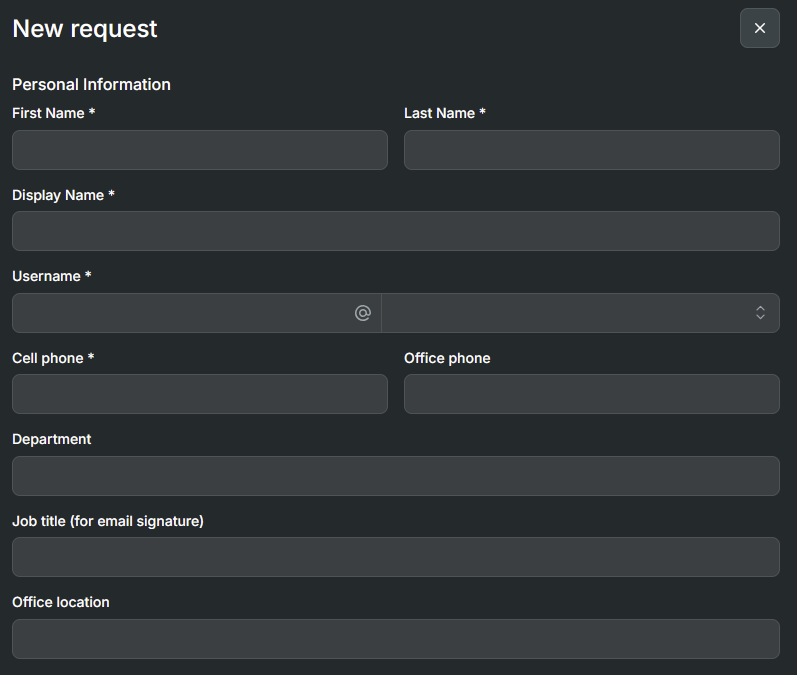
3. Fill out the new users information
Note: If the new users cell phone number is unknown, please input 1's
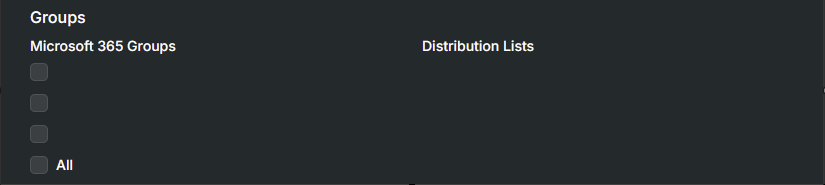
4. Check off any group or distribution groups the user should be added to
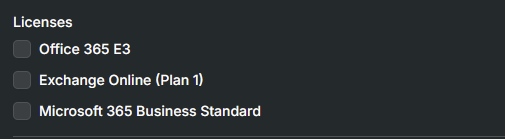
5. Choose what m365 license the user should get
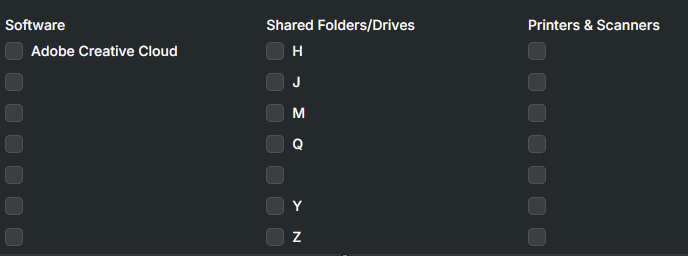
6. Choose what software, shared drives, and printers the user should get on their work PC
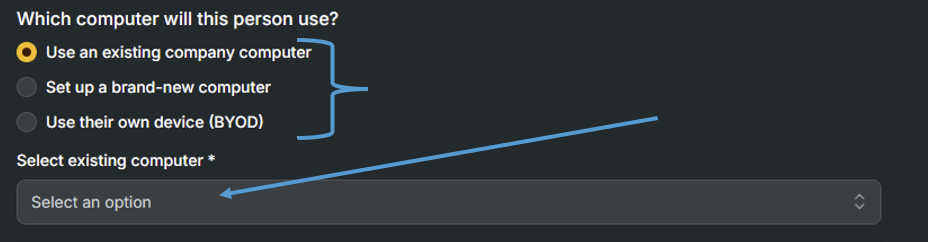
7. Designate a work computer for the new user (Either existing, or brand new). If it is an existing computer choose which one from the drop down
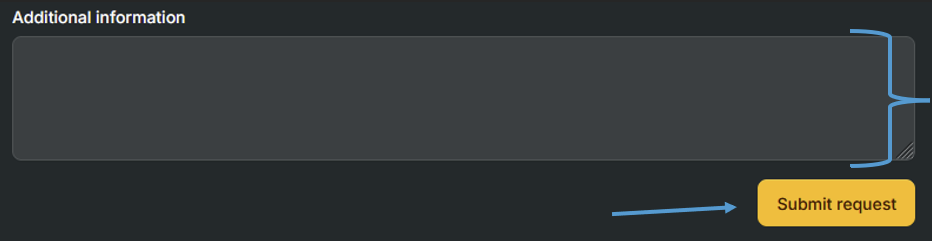
8. Add any additional information and click 'Submit request'
9. Once submitted your request will show up as 'Pending'

10. You will get an Email as soon as the onboarding is complete
