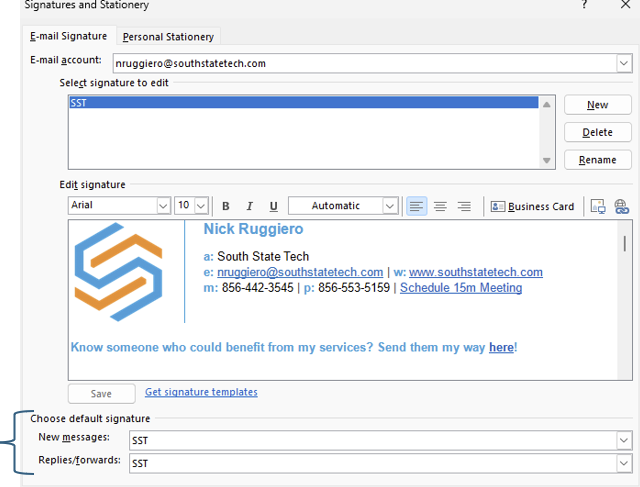
Adding signature to Outlook Classic
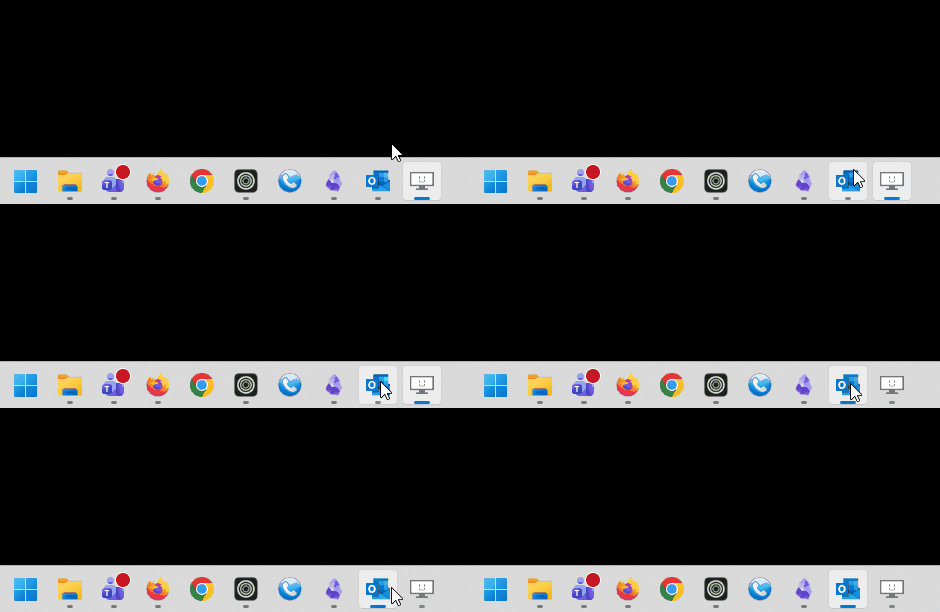
Open Outlook on your desktop
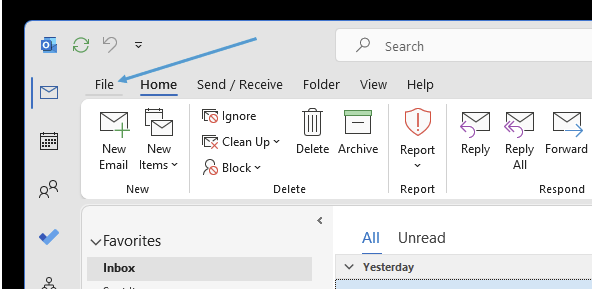
Head to 'File' at the top left
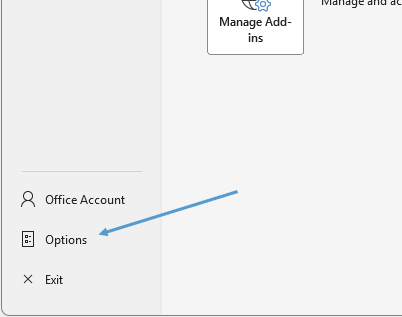
Go to 'Options' at the bottom
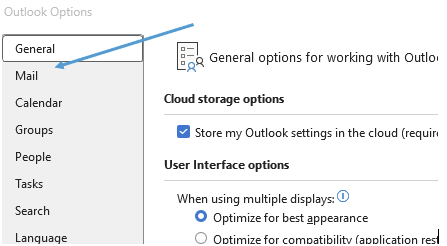
In the popup head to the 'Mail' section
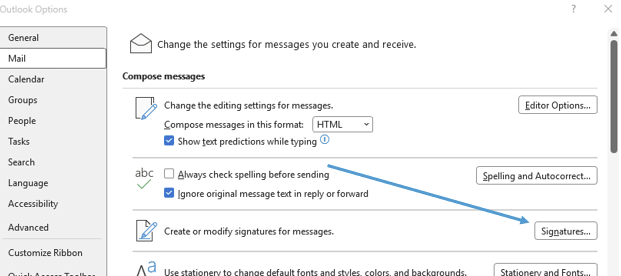
Then click on 'Signatures'
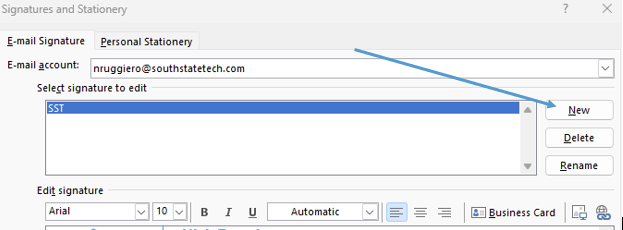
Create a new signature
Once created, make it the default signature for new messages and replies- then click OK